
From Procreate to Canva:
Turn Your Illustrations into Botanical Designs!
Learn how to paint beautiful digital botanicals in Procreate and transform them into professional layouts using Canva.
This class helps you bridge the gap between art and design — giving you the skills to paint, arrange, and showcase your artwork with confidence.
🌿 Perfect for creatives who already know the basics of Procreate and want to take their illustrations further — from canvas to finished design.
★★★★★ 10,000+ Students — Rated 4.8/5
30-day money-back guaranteeStruggling to Give Your Illustrations a Purpose?
You’ve learned how to draw in Procreate, but you want to take them further!
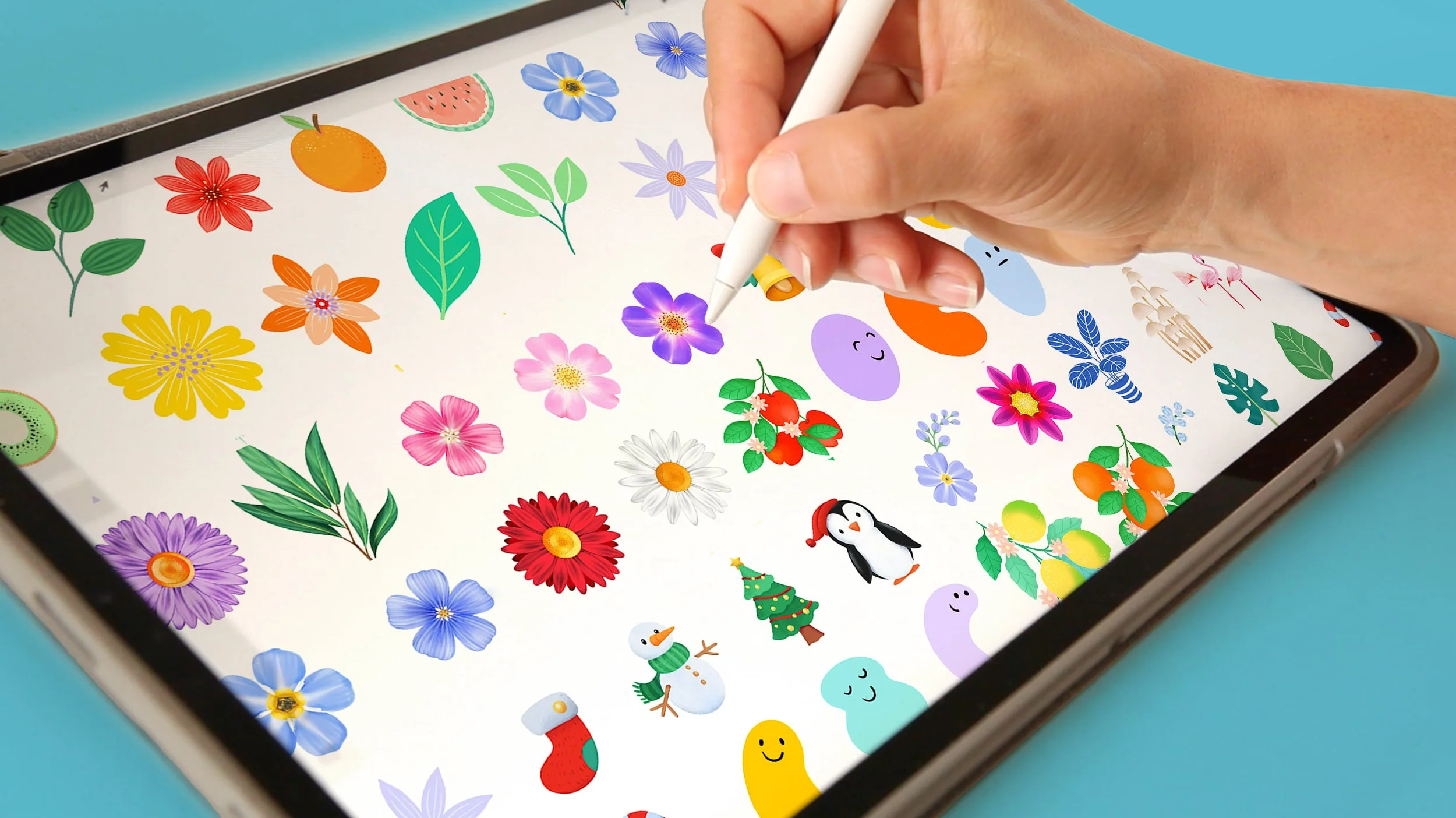
Maybe you:
✗ Have beautiful illustrations but don’t know how to turn them into polished, cohesive designs.
✗ Feel unsure about composition, exporting, or how to make your artwork “work together.”
✗ Keep your illustrations stuck on your iPad, instead of seeing them come to life as prints, patterns, or digital designs.
You don’t need more random tutorials — you need a clear, guided path that helps you connect your artistic process with real design applications!!!
Master Painting Techniques in Procreate and create finished, ready-to-sell pieces in Canva!

In this class you’ll learn how to:
🎨 Paint a cohesive botanical collection using Procreate’s brushes, color, and layering tools — mastering volume, detail, and composition.
🌿 Use Procreate’s transforming tools to refine and elevate your illustrations, creating dynamic arrangements with ease.
📐 Bring your artwork into Canva and design beautiful layouts, cards, posters, and planners.
🖼️ Build your own image library of reusable illustrations you can adapt into new designs — or even use later to create seamless patterns in my Patterns in Procreate class.
By the end, you’ll know how to create artwork that not only looks beautiful but
works beautifully — ready to be shared, printed, or turned into products.
What Students are Saying!
★★★★★ 10,000+ Students — Rated 4.8/5
By the End of This Class, You’ll Be Able To
P R O C R E A T E
✓ Level up your Procreate skills — turn flat illustrations into expressive, detailed artwork full of depth and volume using Procreate tricks
✓ Paint a detailed, expressive botanical collection full of texture, volume, and colour harmony
✓ Enhance your workflow and multiply possibilities with smart colour adjustment & transformation tools
C A N V A
✓ Turn Canva into your personal design studio — upload your Procreate illustrations and use them to create new projects effortlessly
✓ Discover endless possibilities by combining your illustrations with beautiful typography and thoughtful layouts
✓ Bring your designs to life — visualize them on real products using mockups, ready to print or share with the world
Peek Inside the Class
P H A S E 1
Painting botanicals in Procreate
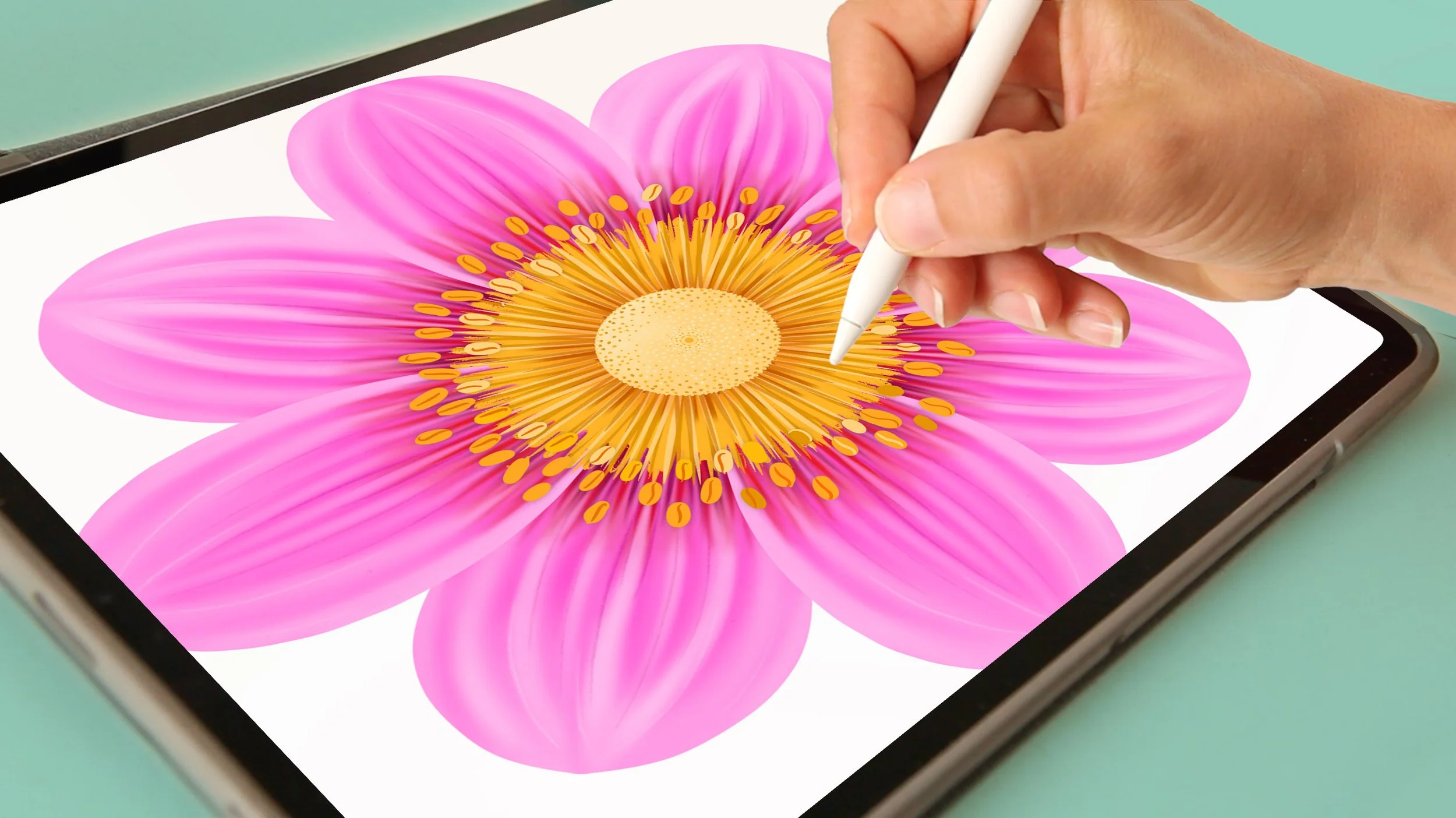
We’ll start in Procreate, where I’ll show you how to create a beautiful collection of botanical illustrations.
Using inspiration and references, you’ll learn the tools, brushes and techniques I use to add texture, depth and a hand-painted feel to your artwork.
I’ll also show you how to turn a single element into many variations — from changing the position of a flower to creating different buds and complex foliage from just one leaf.
💚 By the end, you’ll have your own botanical library to use again and again, plus the skills to create new illustrations with your own personal touch.

✓ Where to search for inspiration when working on botanical artwork
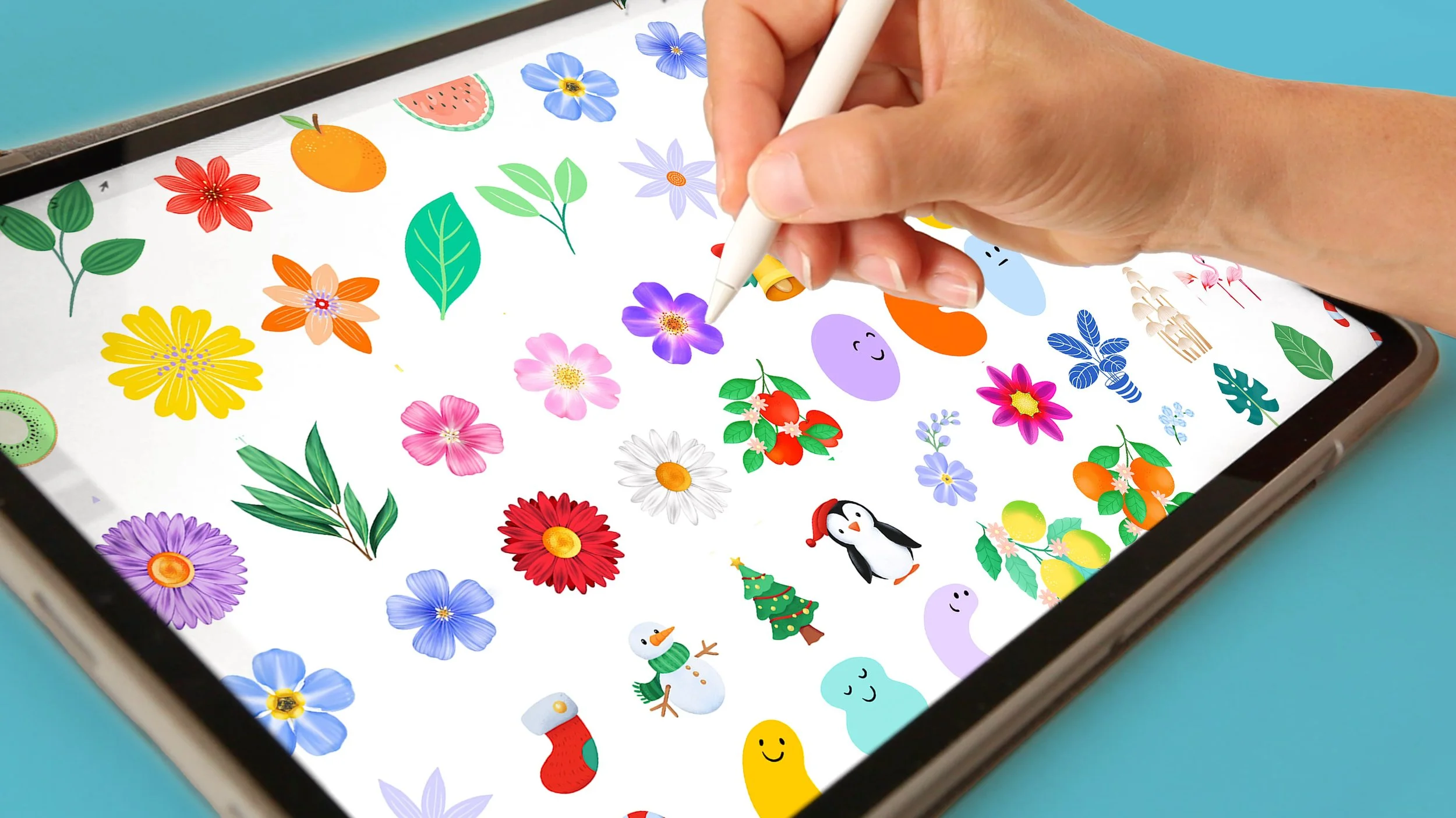
✓ How to start an image library and why having one can be such a joy!
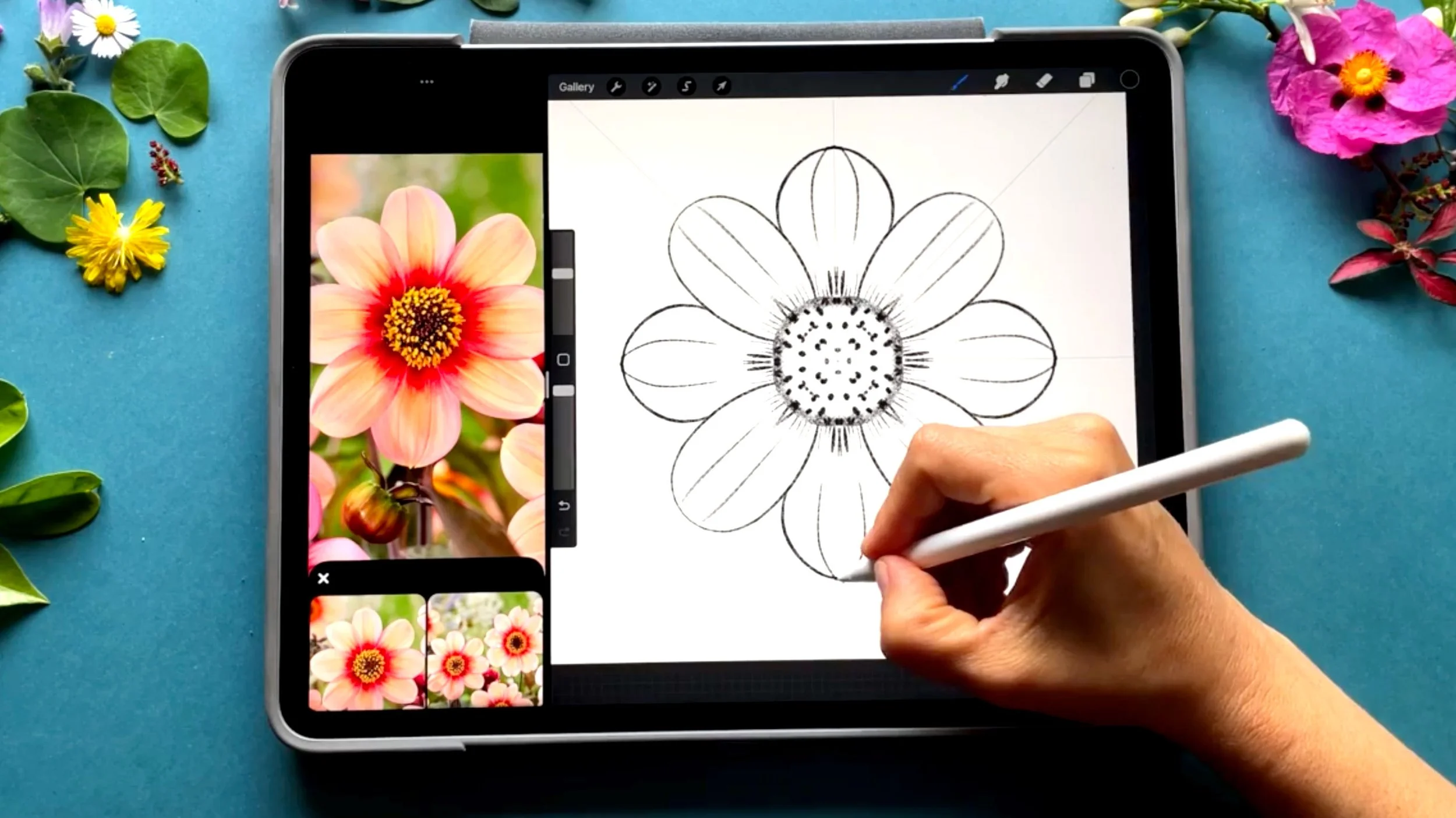
✓ Procreate’s sketching tools and shortcuts for crafting flowers
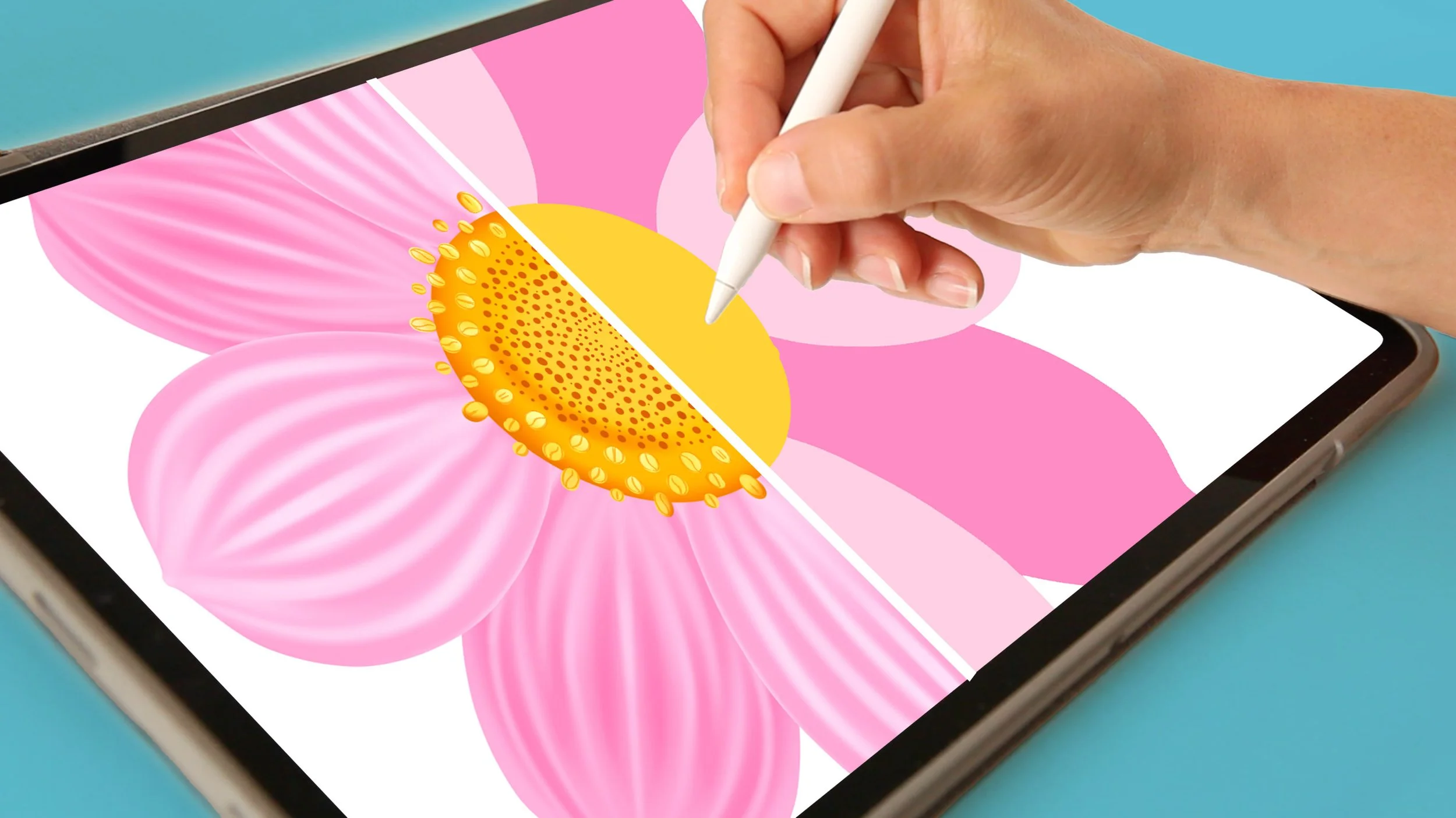
✓ The journey from Color Blocking to infusing Texture & Volume
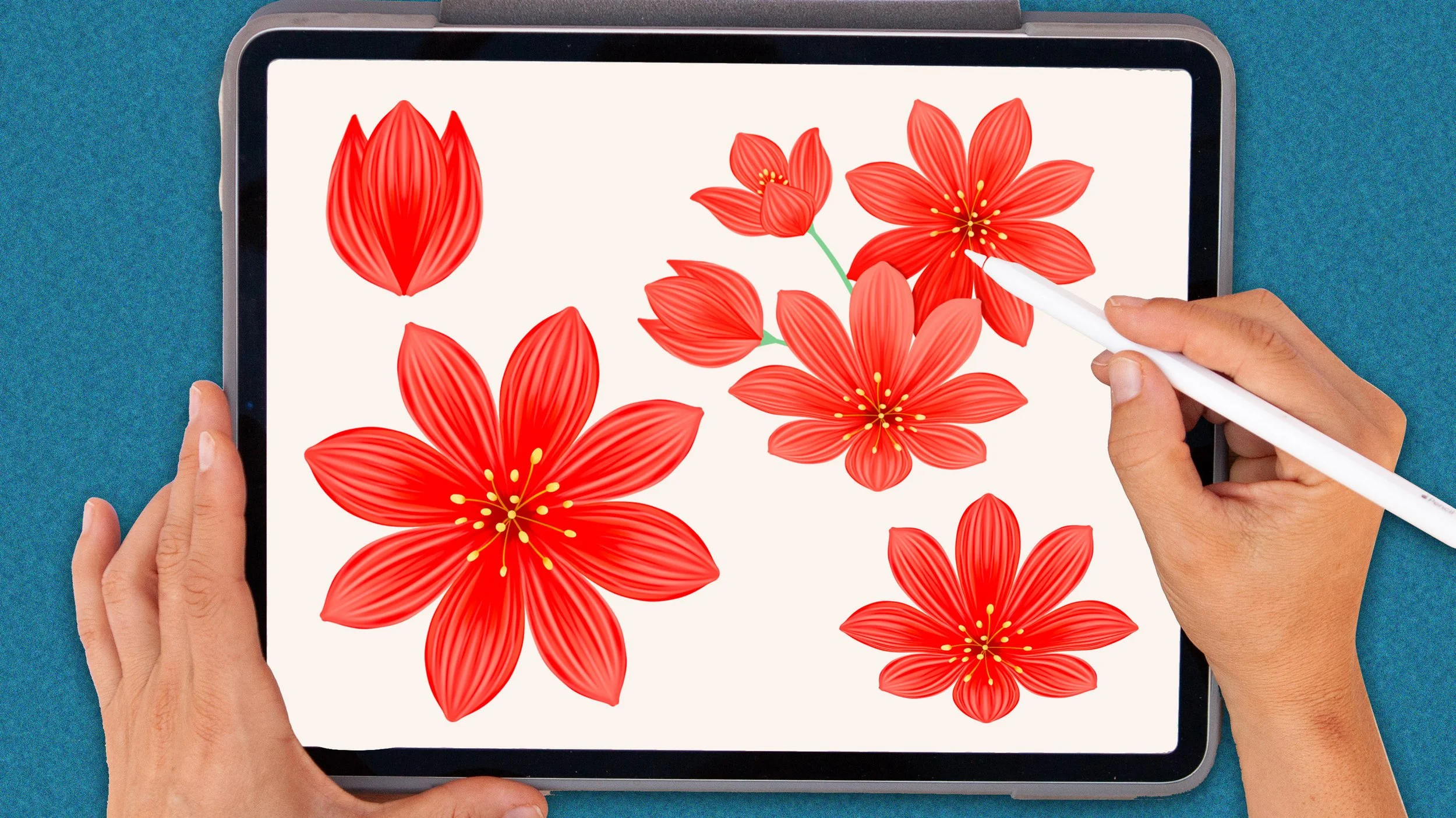
✓ Tricks to turn a single flower into multiple botanical elements
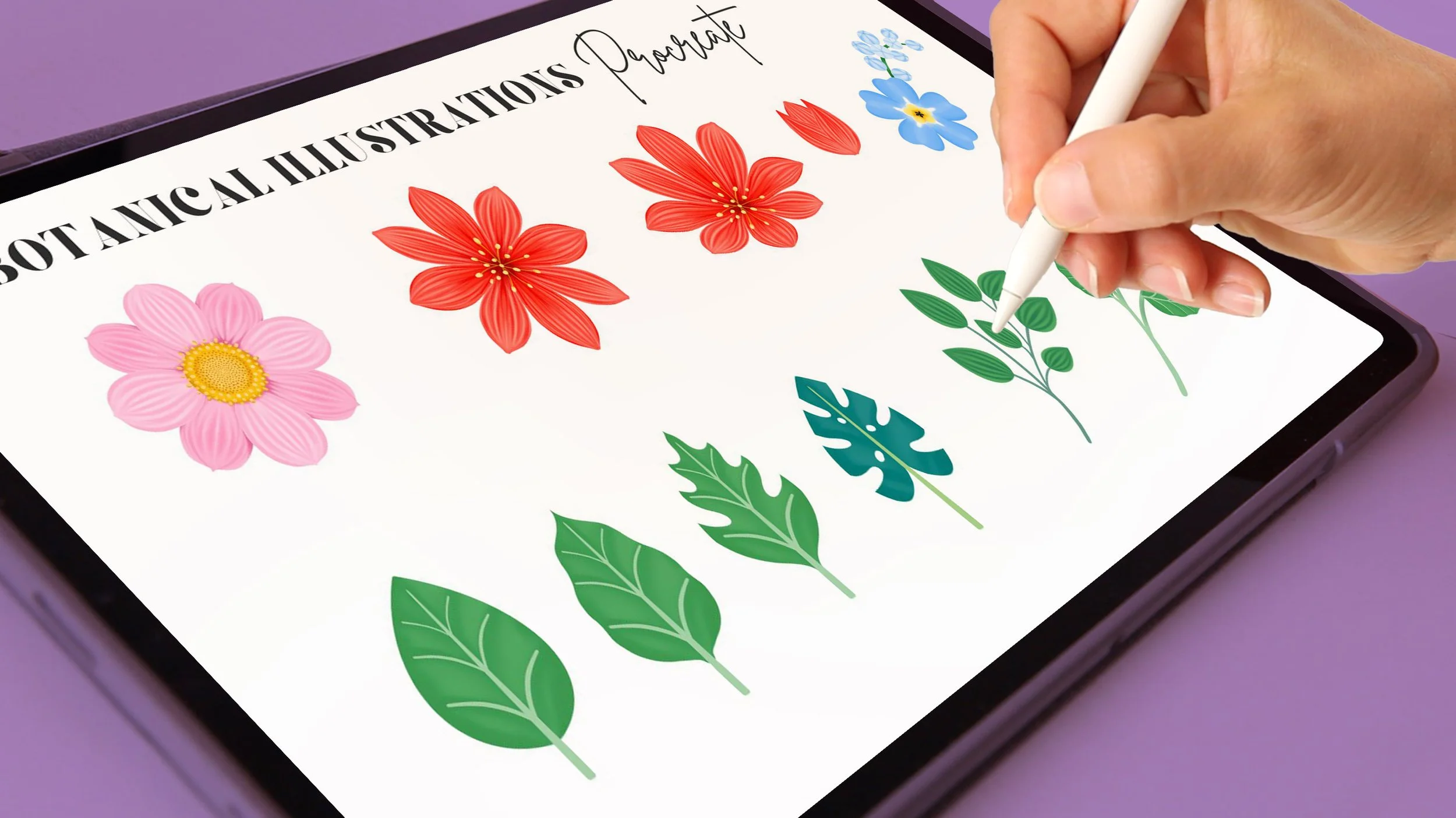
✓ Save your botanical elements into your image library as PNG images
💚 You’ll end up the first part of the class with a collection of illustrations that you’ll be able to turn into repeating patterns, or use to creaty any design for any occasion using Canva.
P H A S E 2
Use Your Flowers to Decorate Designs with Canva
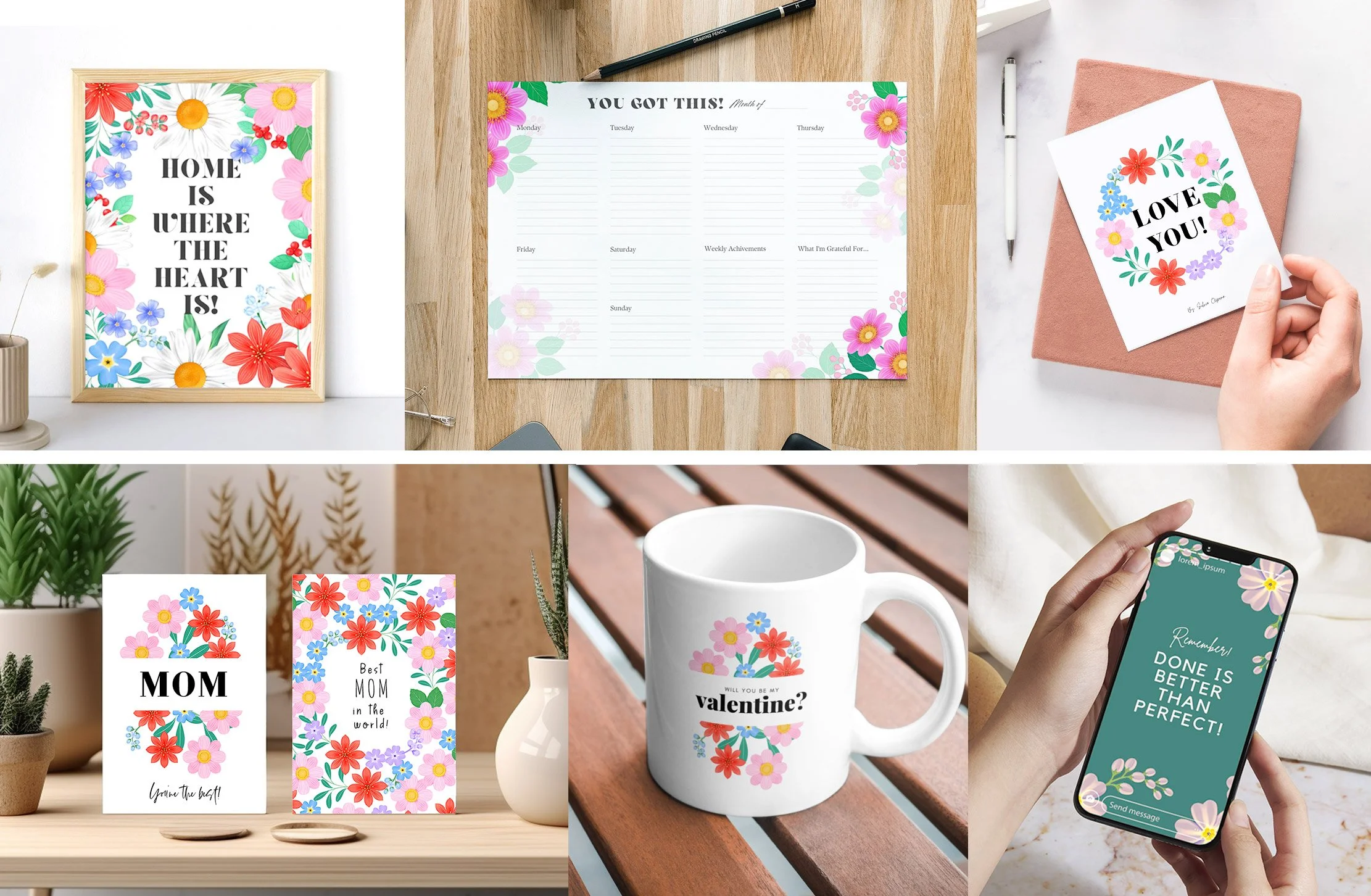
With our botanical library ready, we’ll bring your illustrations into Canva and turn them into beautiful designs.
You’ll learn how to combine your botanicals with fonts and templates to create designs quickly and easily.
💚 By the end of the class, you’ll have designs ready to print or share on social media
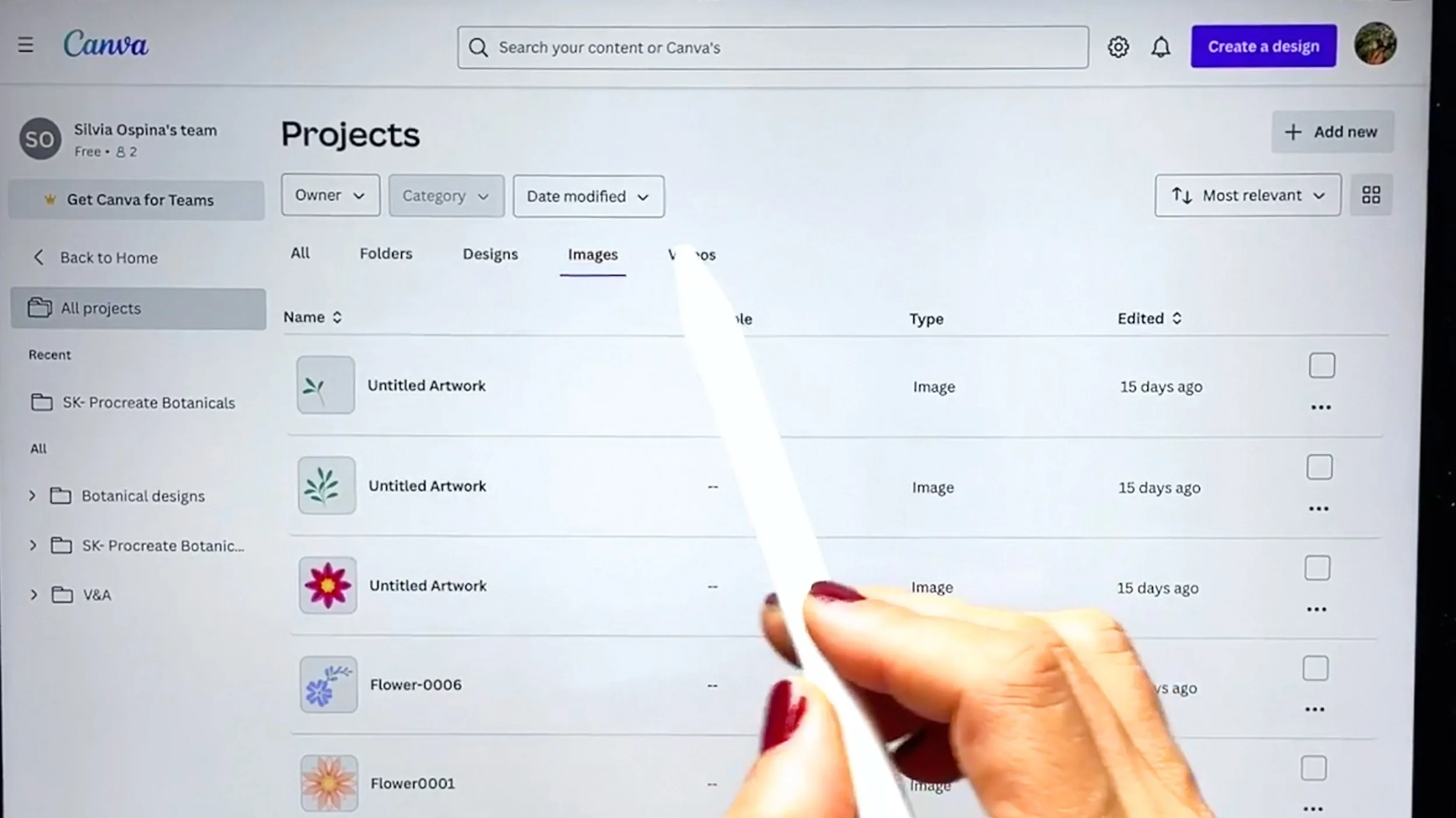
✓ How to import your library of images into Canva
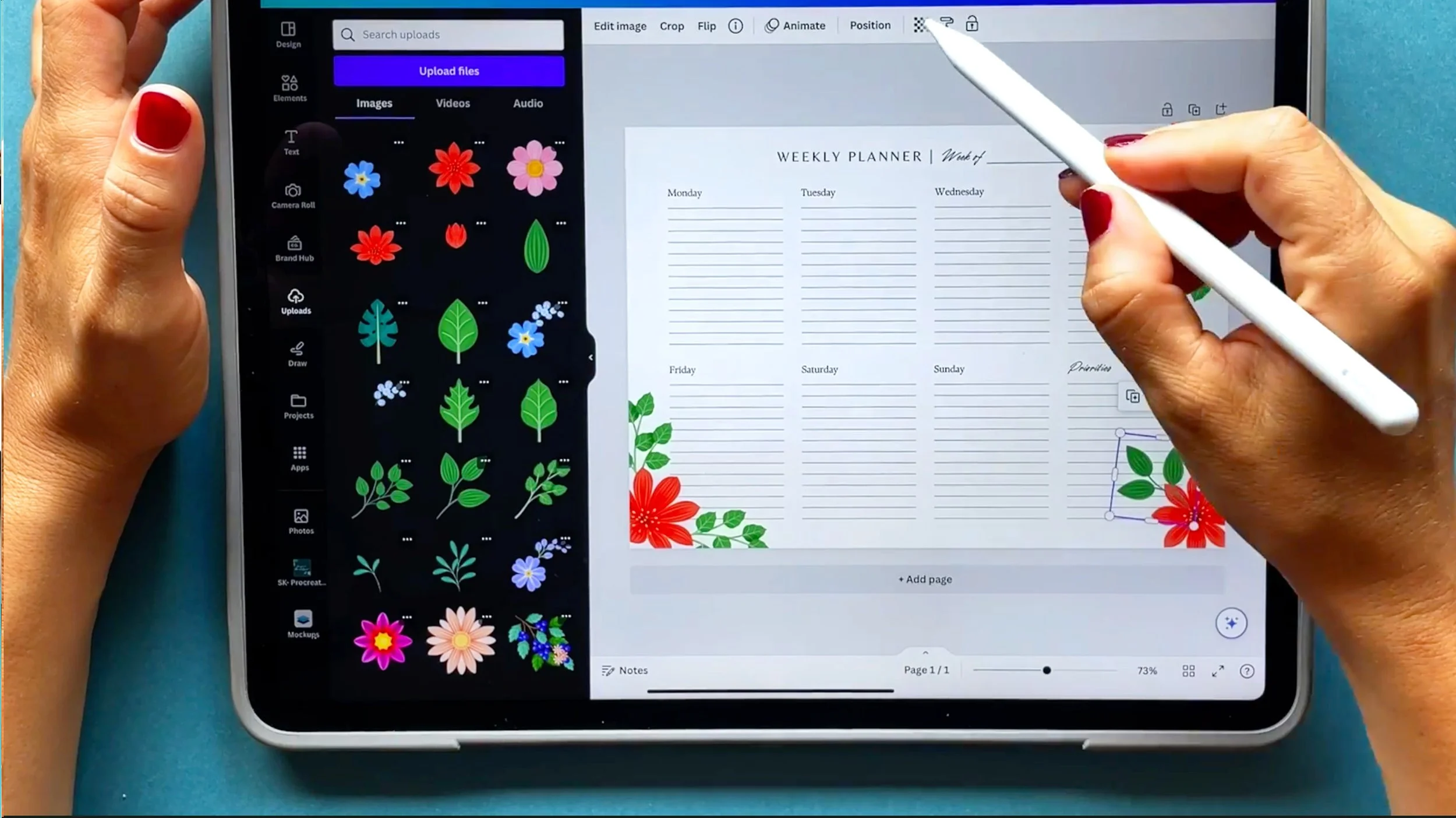
✓ Decorate templates with your botanical illustrations in no time!
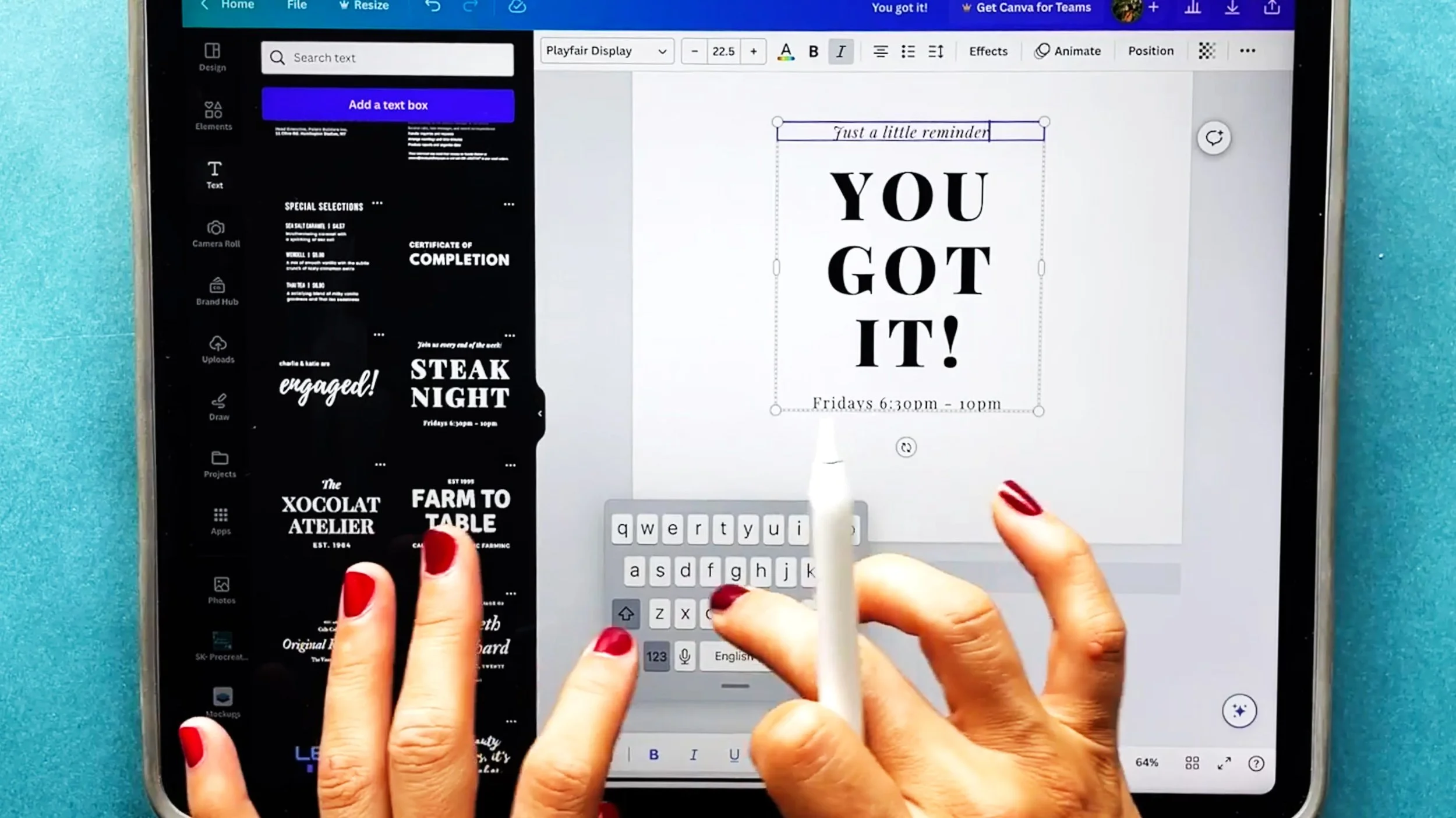
✓ Write and edit beautiful font combinations to make them yours
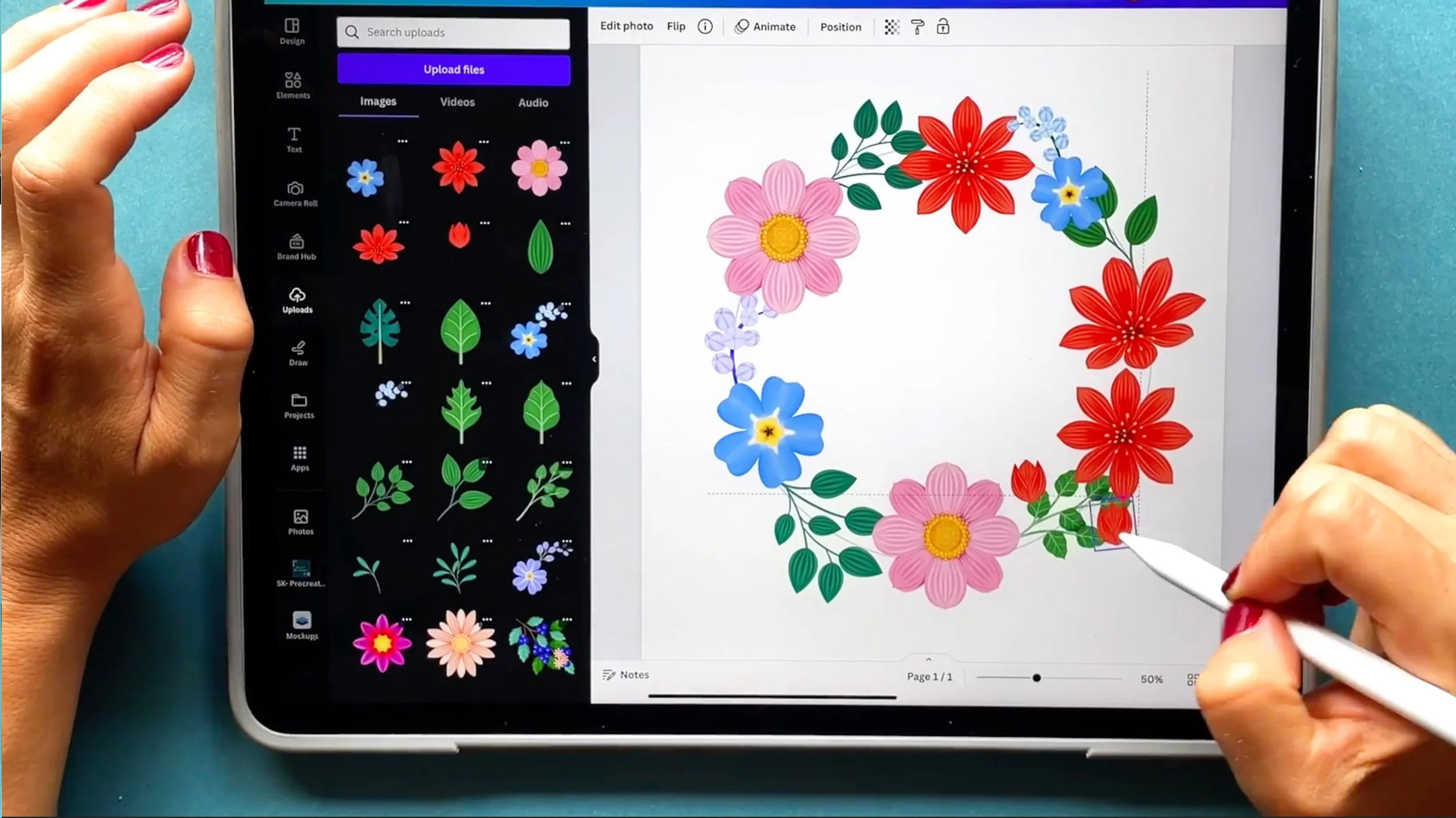
✓ Play with your illustrations to create complex designs
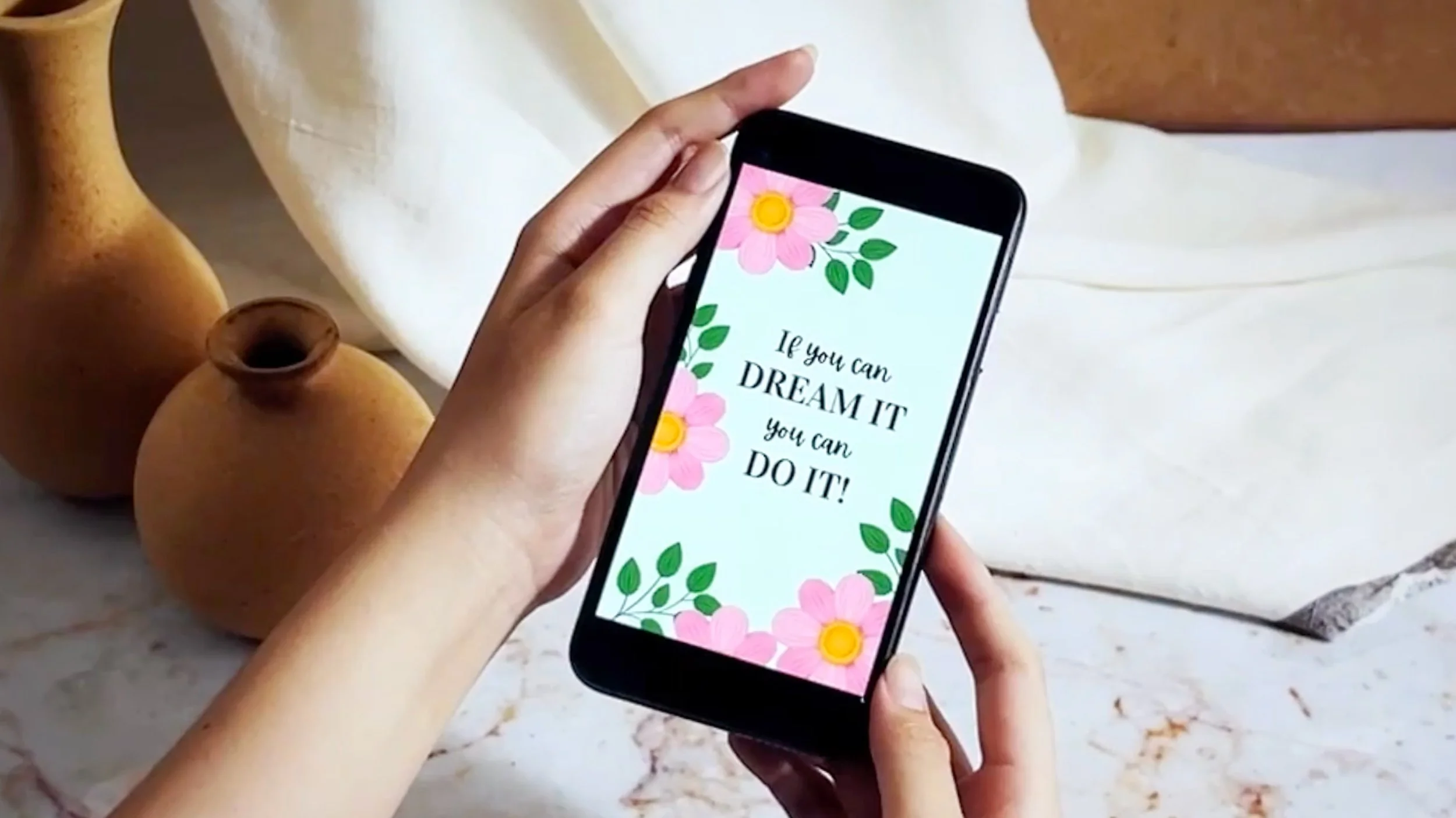
✓ Export your creations for print or sharing on social media
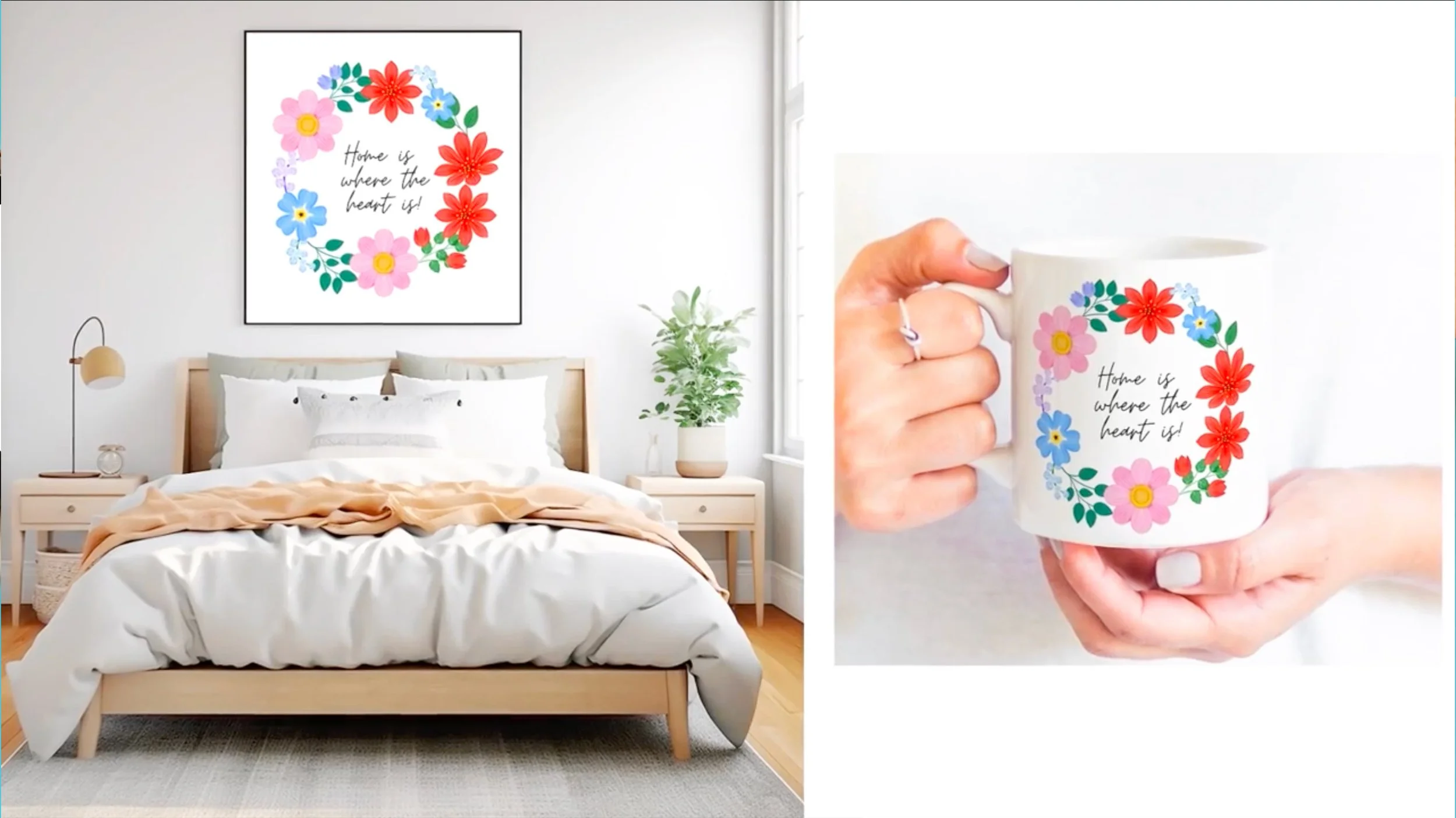
✓ Visualise your designs on real-life products through mockups
✿ Choose your plan ✿
Buy the Whole Bundle!
PRICE: US $125.00
Save €22 compared with buying the classes individually.
🎨 Digital Illustration – A Beginner’s Guide to Mastering Procreate
🌿 From Procreate to Canva – Turn Your Illustrations into Digital Designs
🌸 Patterns in Procreate – Supercharge Your Workflow with an Image Library
Buy Individually
Explore the courses individually and choose the ones you want to take—available to purchase a la carte.
INDIVIDUAL CLASSES
US $45.00
Meet your instructor
Silvia Ospina
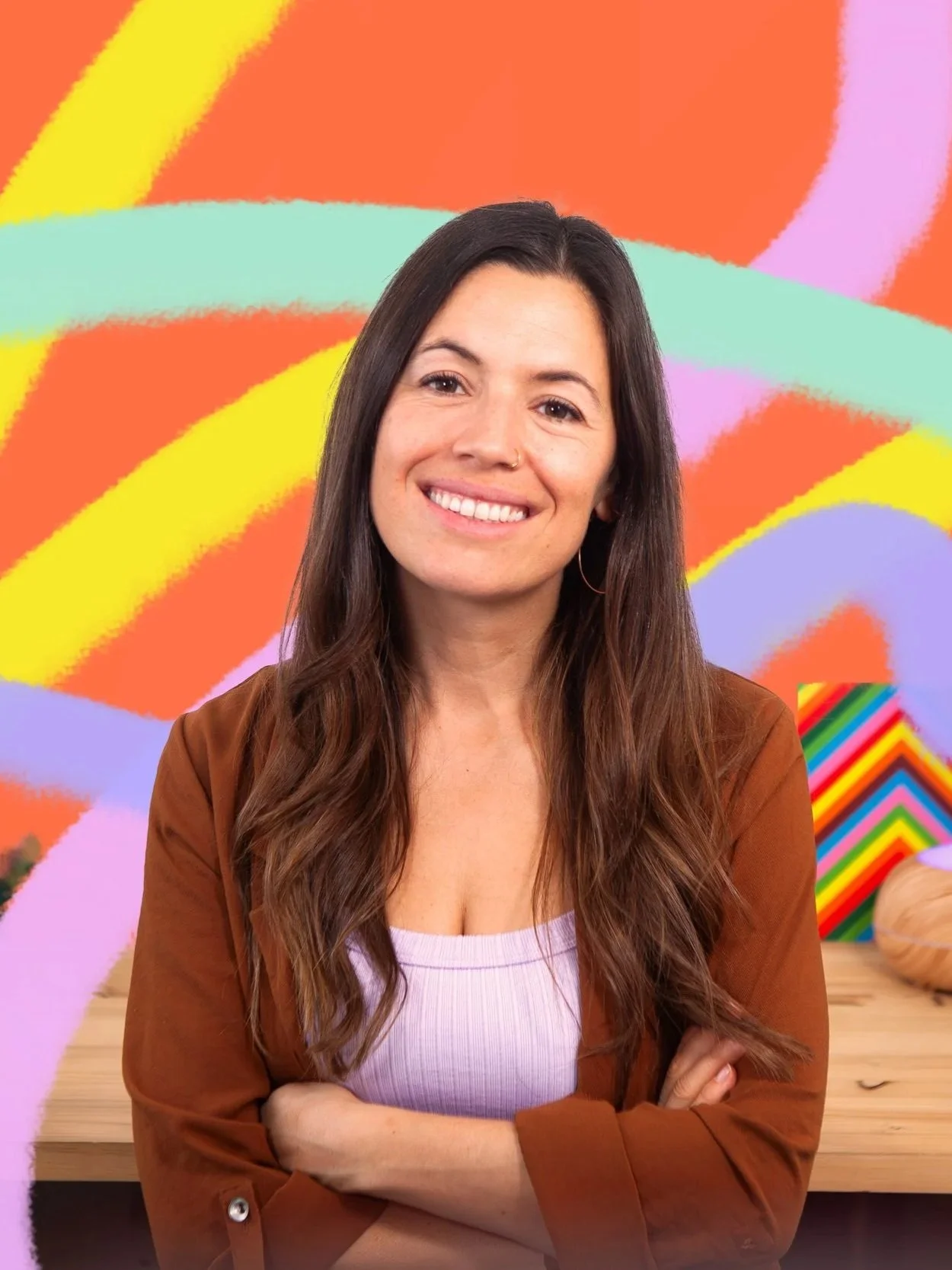
Hi, I’m Silvia Ospina — a graphic designer, artist, and Skillshare Top Teacher passionate about helping creatives find joy and confidence in their digital art journey.
Over the past 15 years, I’ve blended my love for analogue and digital techniques to create designs that have appeared in brands like Zara and Mango, as well as countless independent projects. But what I love most is sharing the creative process behind it — from sketchbook to screen — in a way that feels playful, practical, and achievable for everyone.
Through my Procreate Creative System, I’ve distilled everything I’ve learned about illustration, color, and workflow into clear, enjoyable steps that help you grow without the overwhelm. My goal is to help you not only learn the tools, but truly love using them — creating art that feels authentic, cohesive, and full of life.
Whether you’re opening Procreate for the first time or looking to polish your portfolio, I’m here to guide you every step of the way — with warmth, structure, and a genuine belief that creativity thrives when you enjoy the process.
💚 Let’s make digital art your happy place.
Frequently Asked Questions
-
If you already know the basics of Procreate — such as using brushes, layers, and color — you’re ready for this class! This course is perfect for creatives who want to go beyond drawing and start turning their illustrations into finished, well-composed digital designs.
If you’re a total beginner, I recommend starting with my first class, “Digital Illustration – A Beginner’s Guide to Mastering Procreate”, and then coming back to this one for the next step.
-
You’ll need Procreate (on iPad) and Canva (free or Pro version).
We’ll create your illustrations in Procreate and then move into Canva to design layouts like posters, planners, and cards.
Both apps are beginner-friendly and intuitive — I’ll guide you step-by-step through every process. -
You get lifetime access to the class — so you can learn entirely at your own pace.
Revisit any lesson, rewatch tutorials, and keep experimenting whenever inspiration strikes. -
Yes! We offer a 15-day money-back guarantee if you're not completely satisfied.
-
Not at all! You don’t need to be an expert illustrator to enjoy this class.
We’ll focus on creating simple, beautiful botanical elements and then learn how to use them in design — step by step. -
You’ll be able to create cohesive, professional-quality illustrations and turn them into designed pieces like planners, posters, and social media graphics.
You’ll also build your own image library of reusable illustrations — perfect for future projects or to start exploring pattern design (covered in my next class!). -
Yes — while I teach Canva, the concepts you’ll learn about layout, composition, and visual flow apply to any design software.
So whether you use Photoshop, Illustrator, or Affinity Designer, you’ll still benefit.
Master Procreate and Start Your Digital Art & Design Journey Today!
15-day money-back guarantee • Lifetime access • Join 25,000+ students