
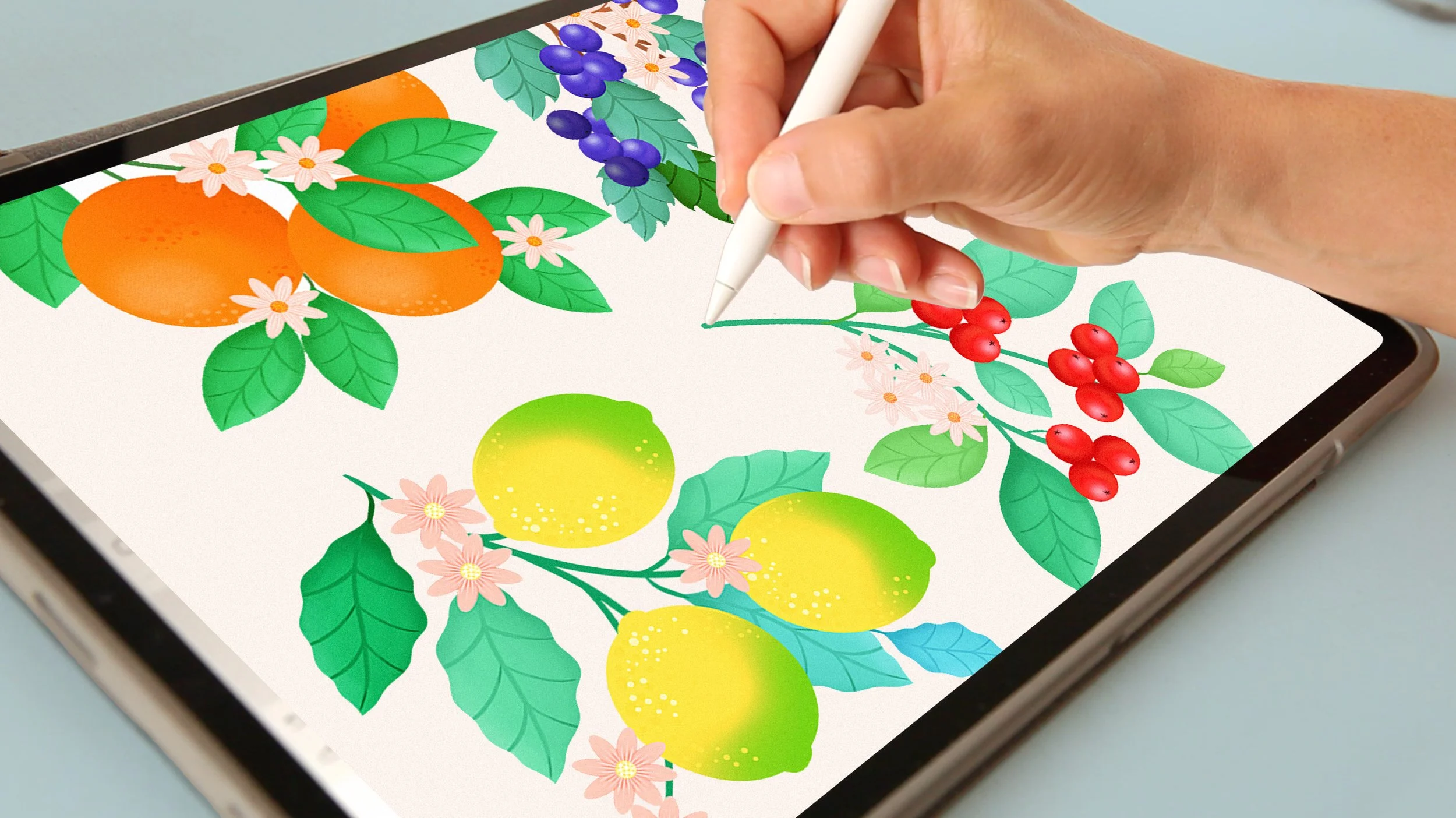
Procreate LAB
Live, project-based Procreate courses
for artists and creatives.
Let’s get real for a moment.
How many online courses have you bought … only to watch a couple of lessons and never finish them?
Yep… I’ve been there too. And that’s one of the reasons I wanted to make Procreate Lab live.
Instead of learning on your own, you’ll have a real group of people creating alongside you, live sessions to keep you moving, feedback when you get stuck, and a little bit of accountability to actually finish what you started.
Learning is great.
But finishing something you’re proud of? That’s even better. 💛
Explore the Lab
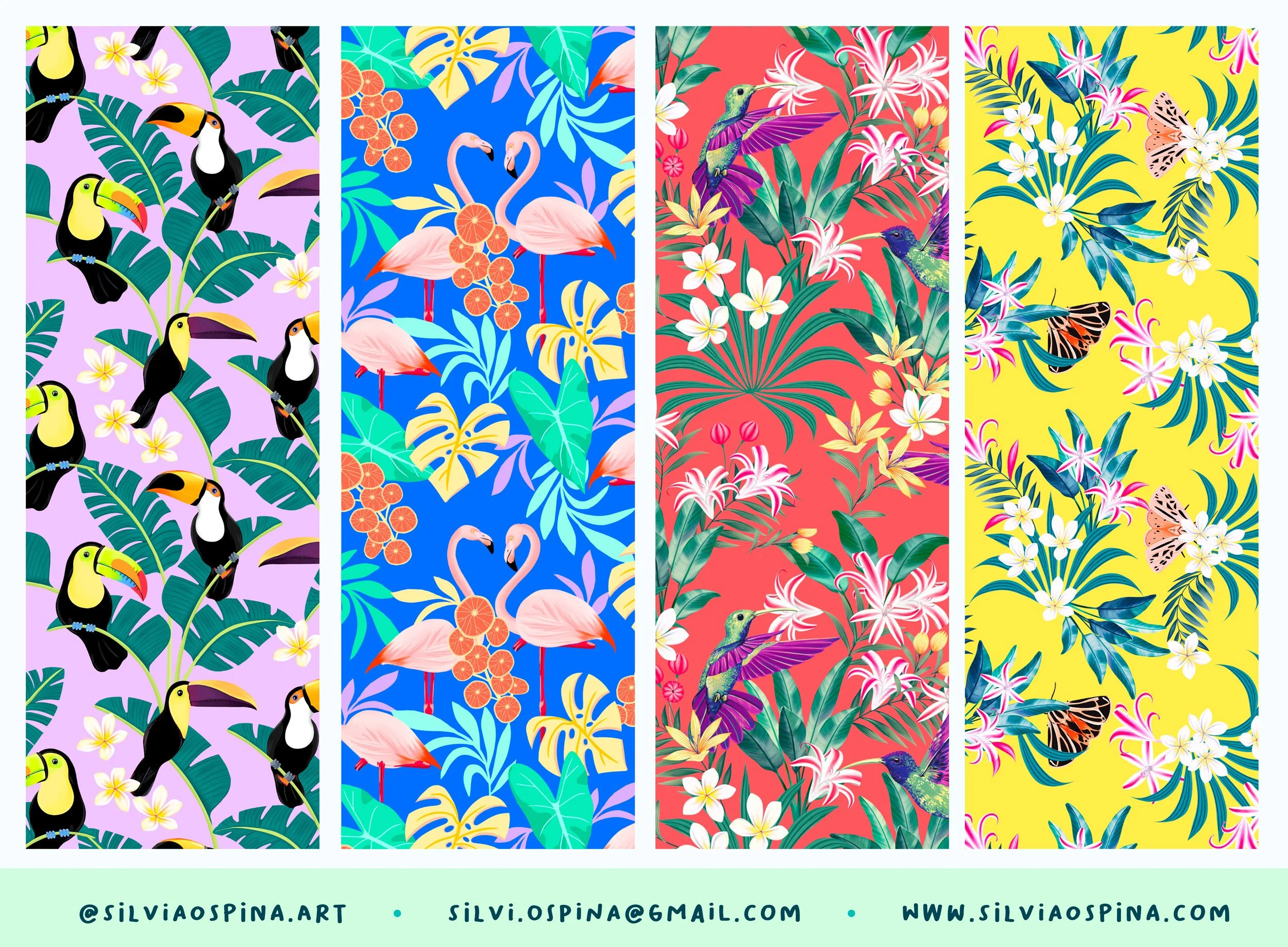
Patterns in Procreate
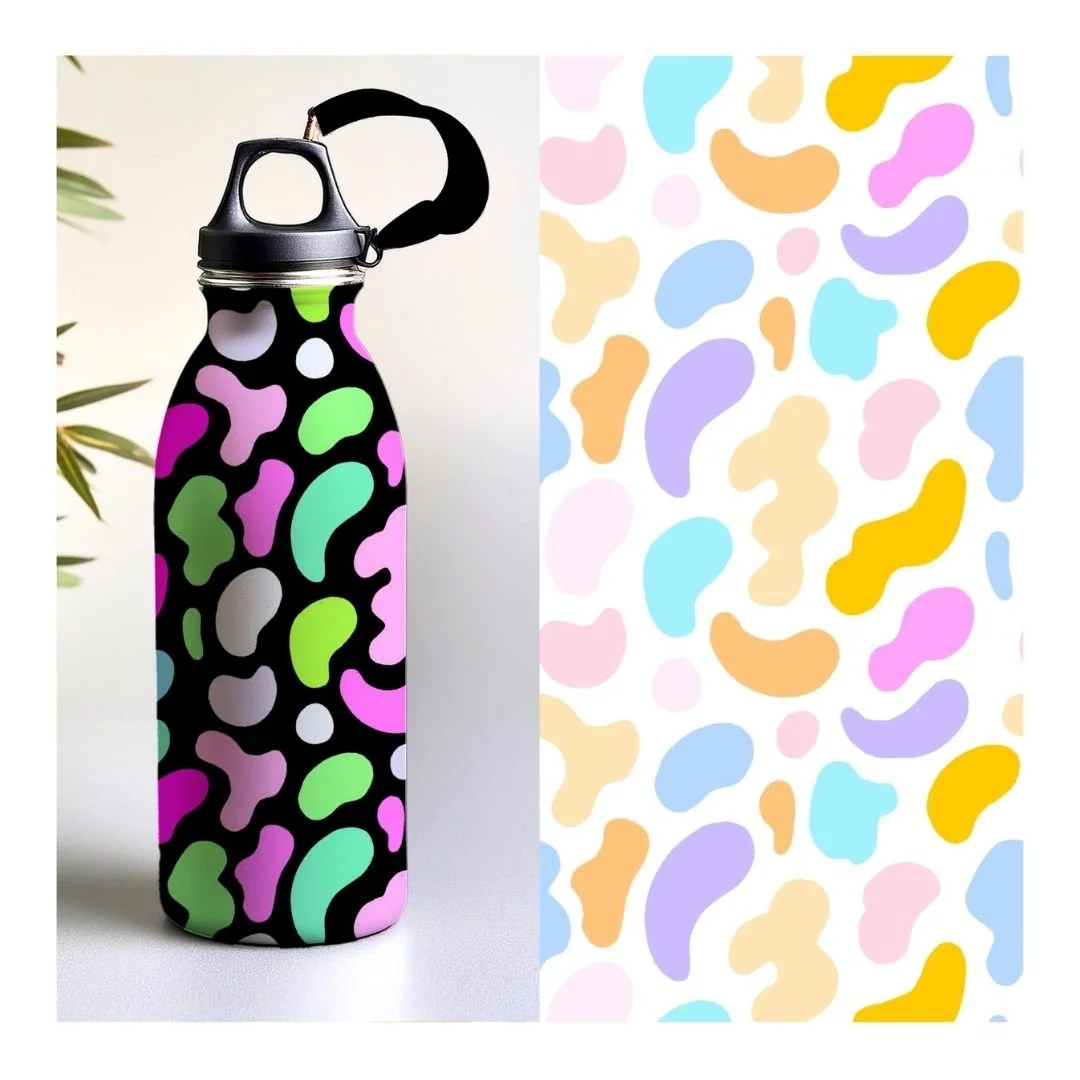
A live, hands-on course where you'll go from an initial idea to a finished repeating pattern.
You’ll also learn how to bring your designs to life with mockups — and start building a portfolio you’re proud of.
🎨 4 live sessions · 2 hours each
🗓️ Saturdays · November 7, 14, 21, 28
🇬🇧 16hs | 🇪🇸 17hs | 🇨🇴 10hs | 🇲🇽 9hs | 🇺🇸 11–13hs
🎥 Class recordings
💬 Private WhatsApp group
📓 Exercises + creative briefs
🎁 Procreate resources
FIRST EDITION · ONLY 10 PLACES.
JOIN THE WAITINGLIST
By joining the waitlist, you’ll receive updates about Procreate Lab,
upcoming courses and creative resources from me ❤️
You can unsubscribe at any time.

Painting in Procreate
Explore painterly techniques such as Watercolor and Gouache and create your own digital paintings.
You’ll get my own designed brushes when signing into this course.
🎨. 4 live sessions · 2 hours each
🎥 Class recordings
💬. Private WhatsApp group
📓 Exercises + creative briefs
🎁 Procreate resources
TELL ME WHEN IT OPENS!
By joining the waitlist, you’ll receive updates about Procreate Lab,
upcoming courses and creative resources from me ❤️
You can unsubscribe at any time.
If you’d rather learn at your own pace…
These three ONLINE Procreate classes are designed to take you from the basics to creating your own illustrations, designs and patterns with confidence.
Each class builds on the one before it, so you can gradually develop your skills — from getting comfortable with Procreate to creating finished artwork and turning your illustrations into patterns and designs that feel like you.
Digital Illustration:
A Beginner’s Guide to Mastering Procreate
Ready to get started with Procreate?
In this class, we’ll go through the essential tools and features you need to start creating .
Even if you’ve never opened Procreate before!
You’ll learn the basics as we go, while actually making things, so by the end you’ll feel much more comfortable finding your way around the app and creating your own artwork.
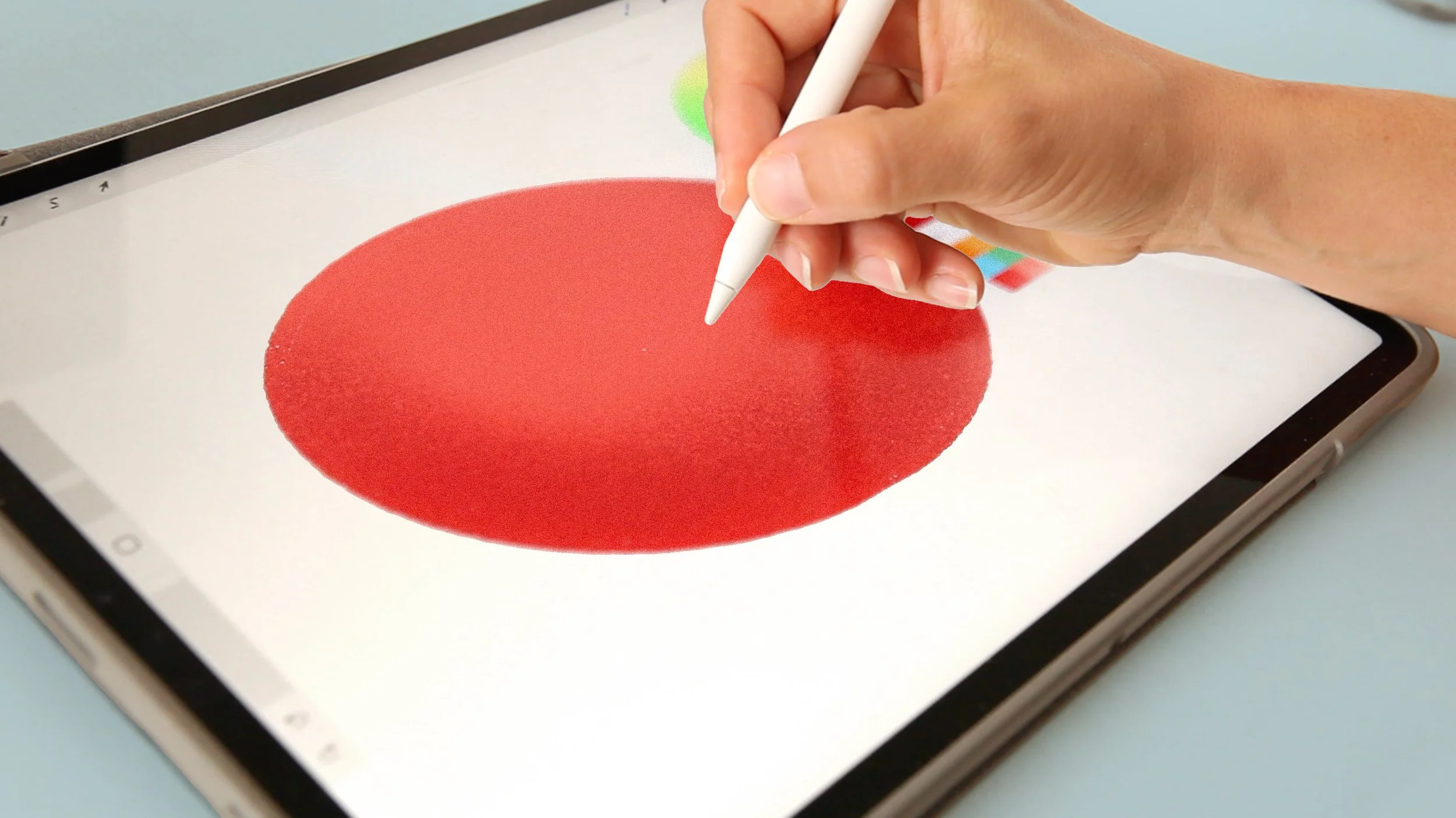
✓ Master Procreate’s core tools — brushes, layers, masks, and textures
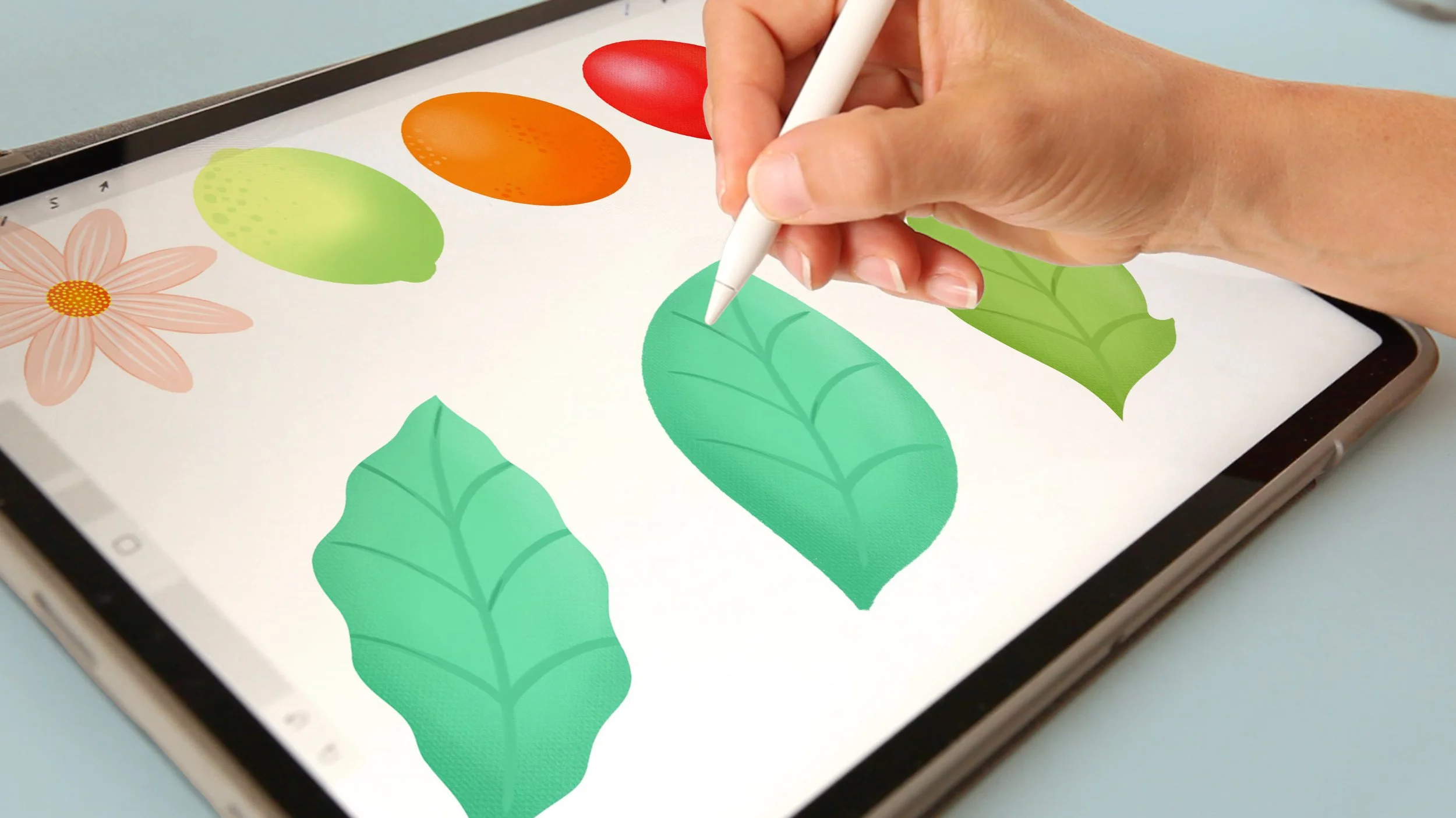
✓ Build confidence through step-by-step illustrations
✓ Create your first polished digital artwork from sketch to final piece
💚 Perfect for absolute beginners or anyone who wants to refresh their fundamentals.
From Procreate to Canva: Turn Your Illustrations into Digital Designs
Now that you’ve got the basics of Procreate down, let’s do something with your artwork!
In this class, you’ll learn how to take your Procreate illustrations into Canva and turn them into things like posters, layouts and social media graphics.
We’ll look at some simple design principles along the way, so you can combine your illustrations with type, colour and composition to create pieces that feel polished and cohesive.
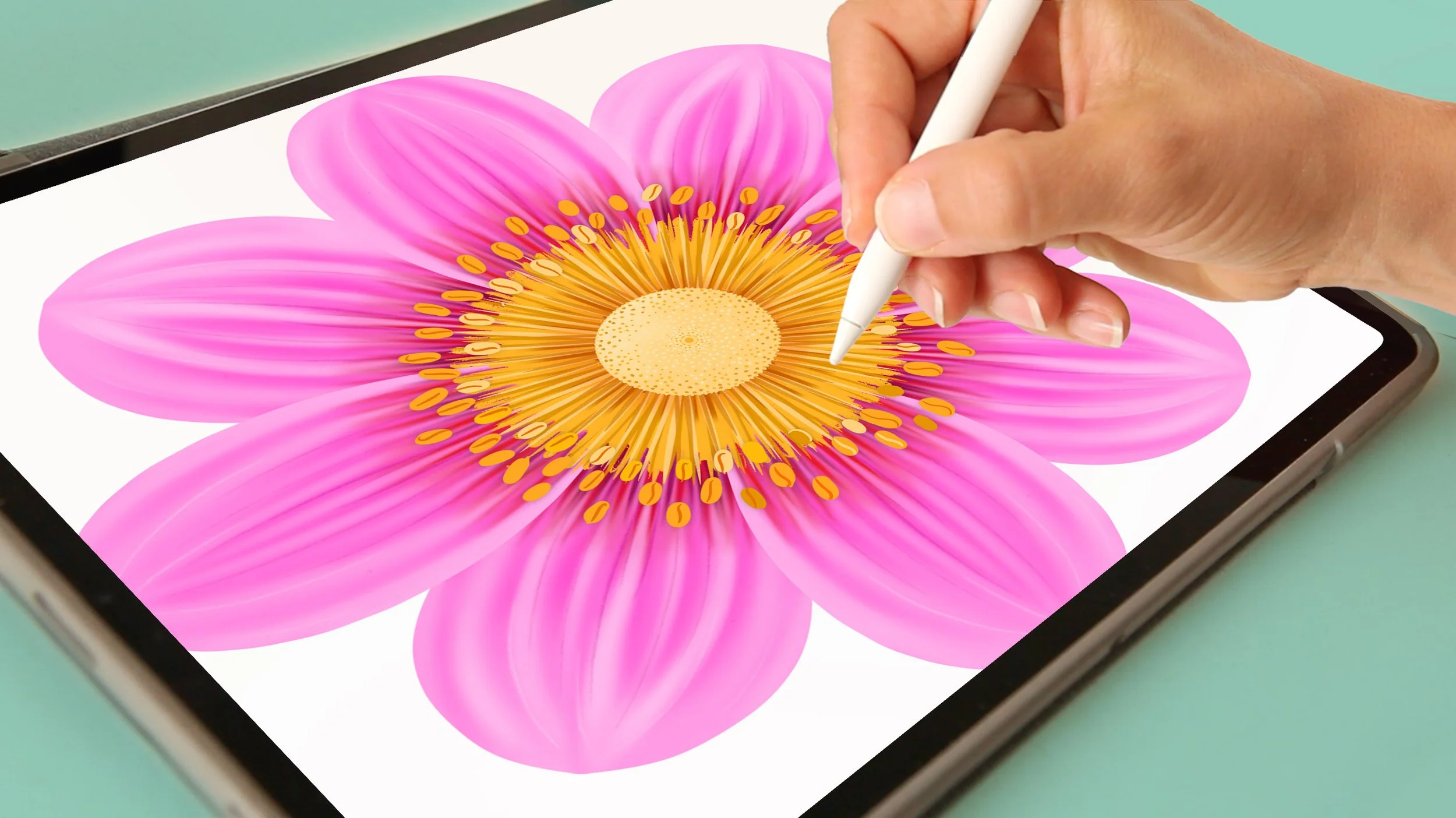
✓ Paint a stunning botanical collection using advanced brushes, color, and layering methods
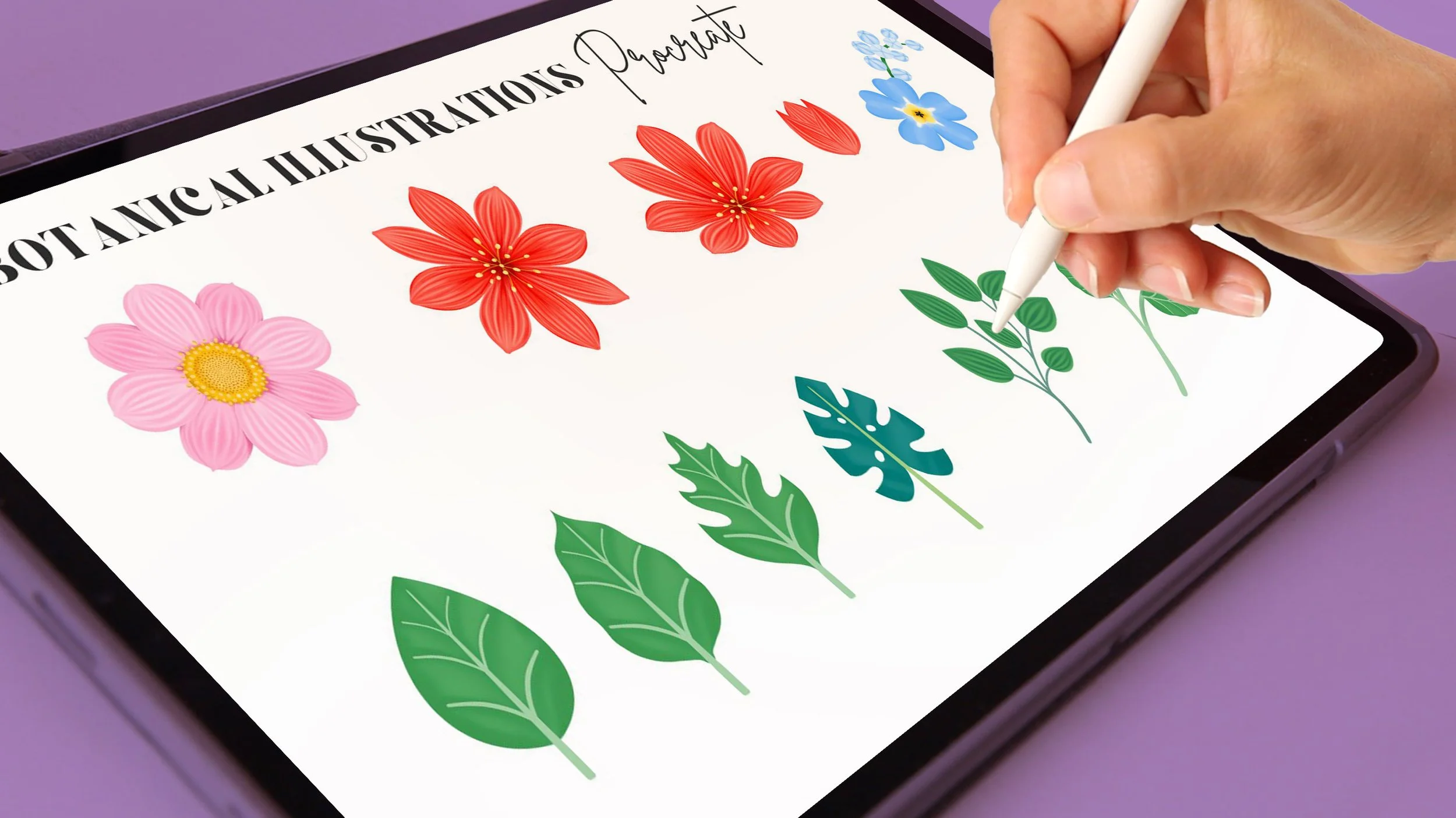
✓ Organize and prepare your illustrations for using an Image library to use in Canva
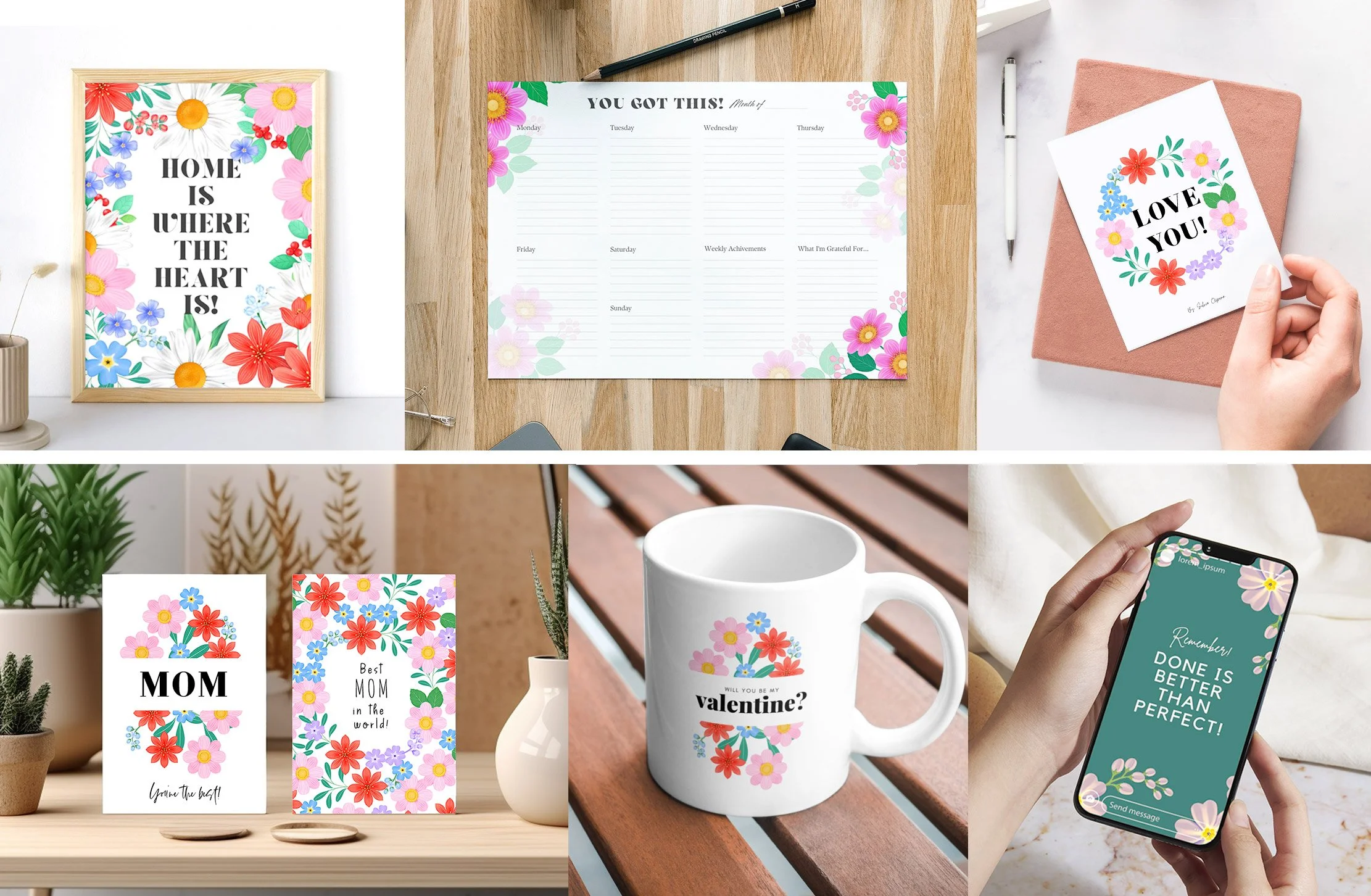
✓ Design simple yet stunning compositions and layouts ready to share or sell
💚 For illustrators who love botanicals, and want to turn their artwork into real-world designs.
Patterns in Procreate: Supercharge Your Workflow with an
Image Library
Now let’s make your Procreate workflow work a little harder for you, in a good way!
In this class, you’ll create your own library of reusable illustrations and learn how to use them to build repeating patterns and new compositions.
And the best part? You’ll already have a collection of illustrations from the previous classes, so you can start playing with them straight away! Mixing, matching and reusing them to create something completely new.
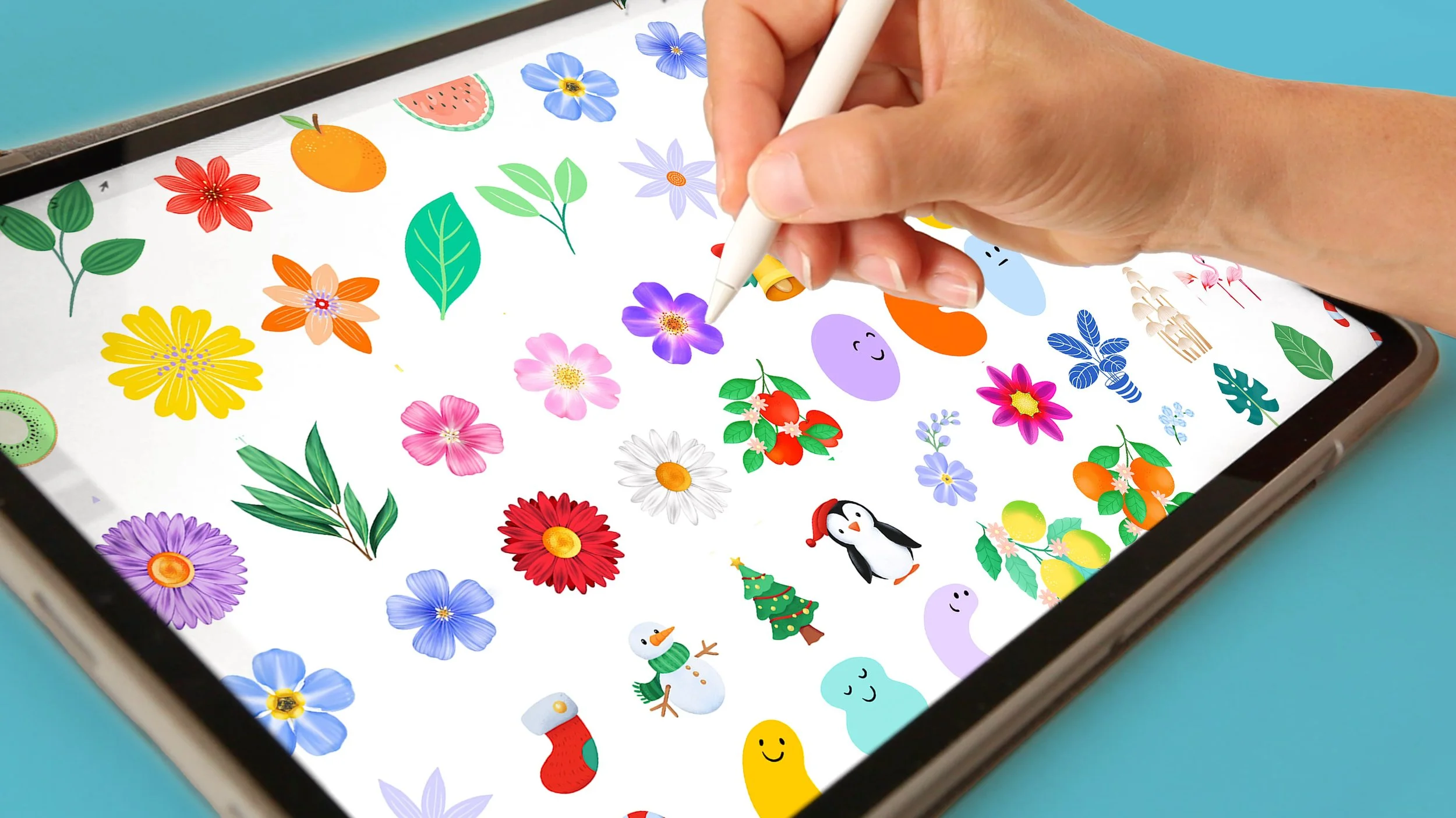
✓ Build a personal image library you can reuse across multiple projects

✓ Create seamless patterns directly inside Procreate

✓ Apply your designs to mockups and see them o real products!!
💚 By the end, you’ll have a complete creative system that helps you design efficiently, confidently, and joyfully.
What Students are Saying!
★★★★★ 21,498+ Students
Have rated my classes at 4.8/5



Meet Your Instructor
Silvia Ospina
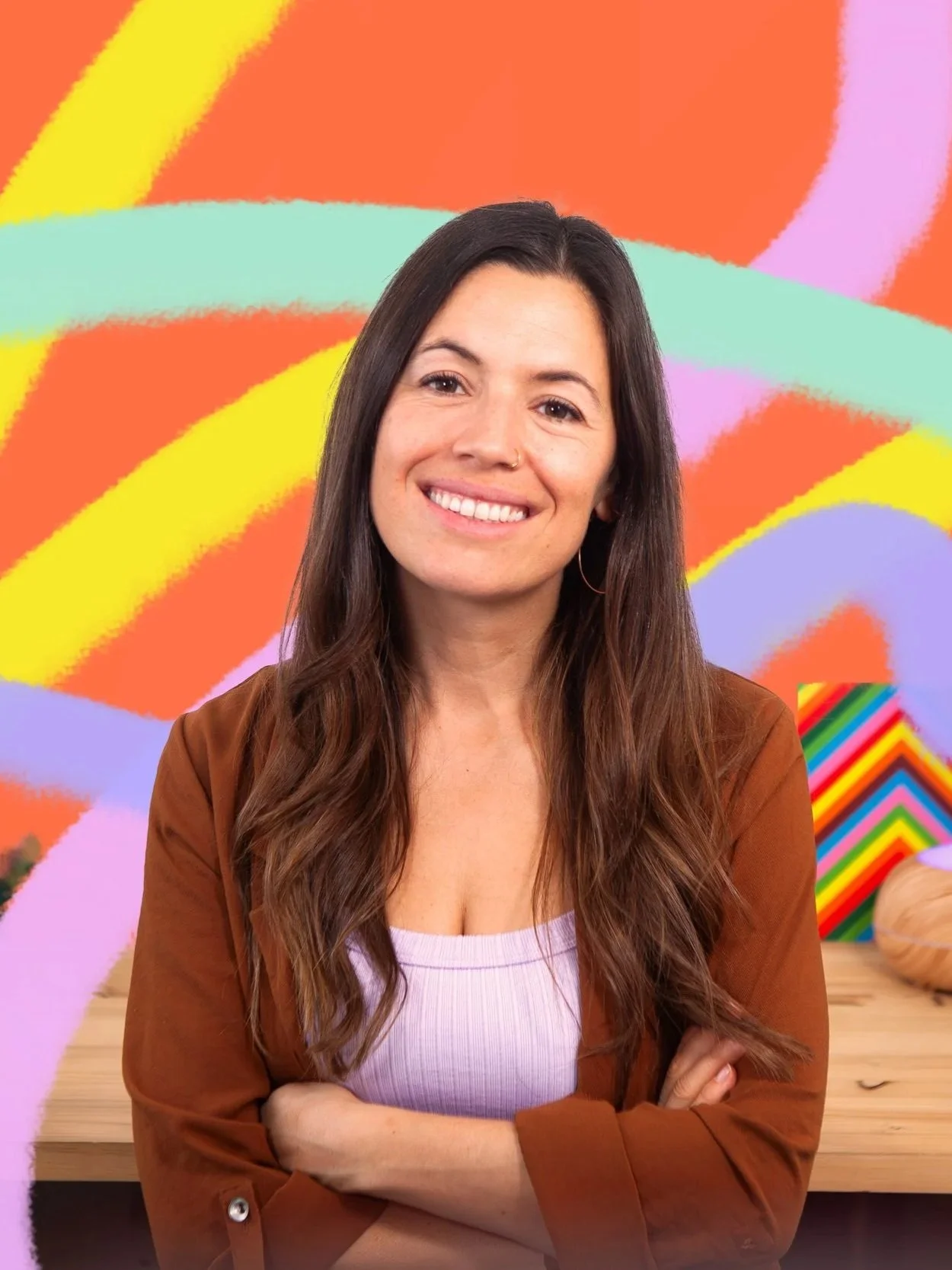
Hi, I’m Silvia Ospina — a graphic designer, artist, and Skillshare Top Teacher passionate about helping creatives find joy and confidence in their digital art journey.
Over the past 15 years, I’ve blended my love for analogue and digital techniques to create designs that have appeared in brands like Zara and Mango, as well as countless independent projects. But what I love most is sharing the creative process behind it — from sketchbook to screen — in a way that feels playful, practical, and achievable for everyone.
Through my Procreate Creative System, I’ve distilled everything I’ve learned about illustration, color, and workflow into clear, enjoyable steps that help you grow without the overwhelm. My goal is to help you not only learn the tools, but truly love using them — creating art that feels authentic, cohesive, and full of life.
Whether you’re opening Procreate for the first time or looking to polish your portfolio, I’m here to guide you every step of the way — with warmth, structure, and a genuine belief that creativity thrives when you enjoy the process.
💚 Let’s make digital art your happy place.
Frequently Asked Questions
-
You’ll need Procreate (on iPad) and Canva (free or Pro version).
We’ll create your illustrations in Procreate and then move into Canva to design layouts like posters, planners, and cards.
Both apps are beginner-friendly and intuitive — I’ll guide you step-by-step through every process. -
Yes! We offer a 15-day money-back guarantee if you're not completely satisfied.
-
Not at all! You don’t need to be an expert illustrator to enjoy this class.
We’ll focus on creating simple, beautiful botanical elements and then learn how to use them in design — step by step. -
You’ll be able to create cohesive, professional-quality illustrations and turn them into designed pieces like planners, posters, and social media graphics.
You’ll also build your own image library of reusable illustrations — perfect for future projects or to start exploring pattern design (covered in my next class!).